
Security
How MonoBar handles the network and your data — stated plainly, including the limits. This page summarizes an internal pre-release security review of the actual code.
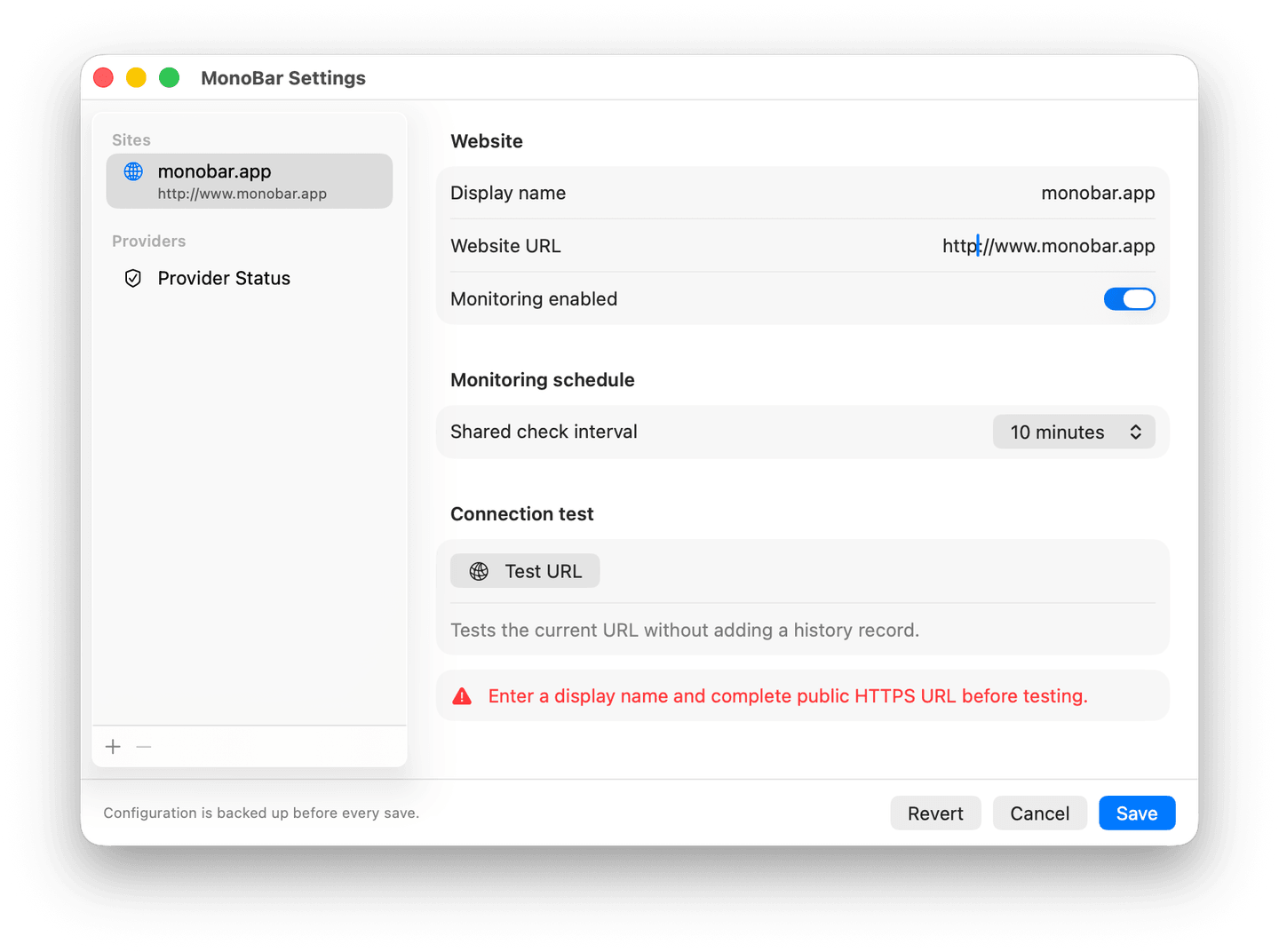
Monitoring is HTTPS-only
MonoBar monitors public HTTPS websites. HTTP URLs are rejected in Settings and again at request time — a stored HTTP URL is surfaced as a configuration error, never silently monitored or silently "fixed."
Network boundaries
- Destinations that resolve to private, local, or reserved addresses are blocked before any request is made.
- Redirects are restricted: same host (or its www counterpart), never a downgrade from HTTPS, and every redirect target is re-checked.
- Website checks read headers only — MonoBar cancels before accepting a response body. Service status responses are capped at 256 KB and parsed as plain JSON with unknown fields ignored.
- Monitoring network sessions are ephemeral: no cache, no cookies, no monitored-site credentials, and discarded after every request.
- Service status reports that fail or can't be parsed show Unknown — MonoBar never invents an outage.
Local data
Configuration and history live in ~/Library/Application Support/MonoBar/. Saves are atomic with automatic backups; history file paths are validated and symbolic links are refused, so tampered state can't redirect reads or writes elsewhere.
A Direct Pro entitlement is stored separately in Keychain. It is created only after successful explicit activation, works offline without recurring license checks, and is removed after successful deactivation. Deactivating Pro does not delete or change your monitoring configuration or history.
The download
MonoBar is signed with a Developer ID certificate and notarized by Apple — macOS verifies both before it opens. The notarization ticket is stapled to the app, so verification works even offline.
Every release publishes its SHA-256 so you can confirm you have exactly the published file; the current one is in the Changelog and in Docs.
The app runs with Hardened Runtime enabled. Optional Open MonoBar at Login registers the same signed app with macOS; it does not install a helper, daemon, or additional executable. Direct Pro stores its local entitlement in Keychain, and update checks accept only signed availability information. MonoBar remains a single app process with no plug-ins or XPC services.
Honest limits
- MonoBar verifies that a host resolves publicly before requesting it, but does not claim cryptographic endpoint pinning; TLS validation is handled by macOS.
- DNS resolution relies on the macOS resolver, including its timing.
- MonoBar is a local companion, not an external monitoring service. Scheduled checks and notifications require your Mac to be awake, MonoBar to be running, and monitoring to be active. Manual tests and Check now are deliberate exceptions while monitoring is paused.
Found a security issue? Please email security@monobar.app directly rather than posting publicly. We take reports seriously and respond as fast as an independent developer honestly can.