
A quiet site monitor for your Mac menu bar.
MonoBar checks the sites you care about from your own Mac — and stays out of the way. No account, no cloud, no telemetry.
Free·Apple Silicon·macOS 14 or later
MonoBar Pro·€14 one-time on this site, or as an in-app purchase on the Mac App Store
Why MonoBar
Native, all the way down
Built in Swift for macOS. One lightweight process, near-zero resources. It feels like part of the system because it is.
Private by design
Your sites, settings, and history stay on your Mac. No account, no telemetry, no hosted dashboard — nothing to sign up for.
Honest status
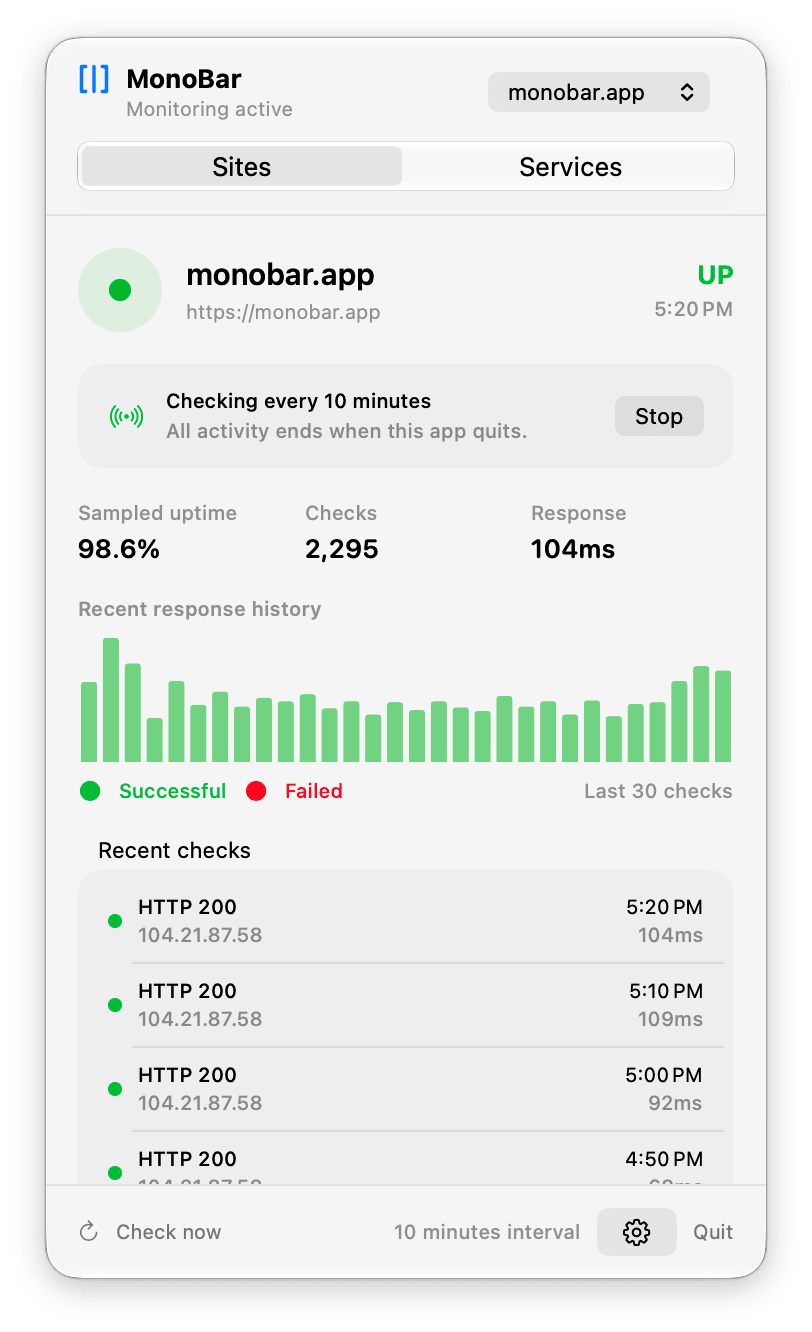
Clear checks, response times, and history. When MonoBar can’t know, it says Unknown — it never invents an outage.
One click. Everything you need.
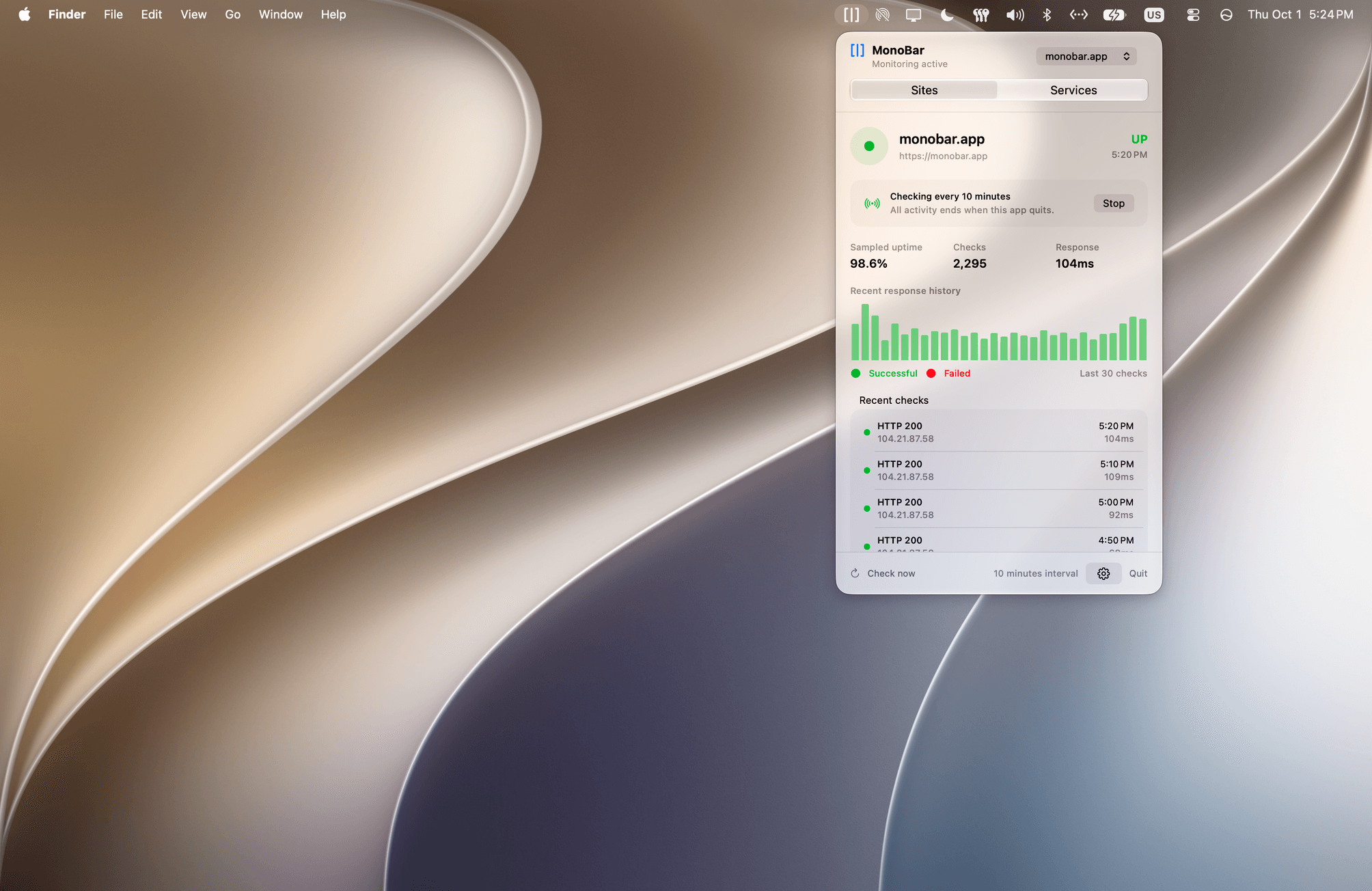
Current status, response time, sampled uptime, history, and recent checks — in a native menu-bar dashboard. Check now when you’re curious. Stop when you’re done.
Service status, if you want it.
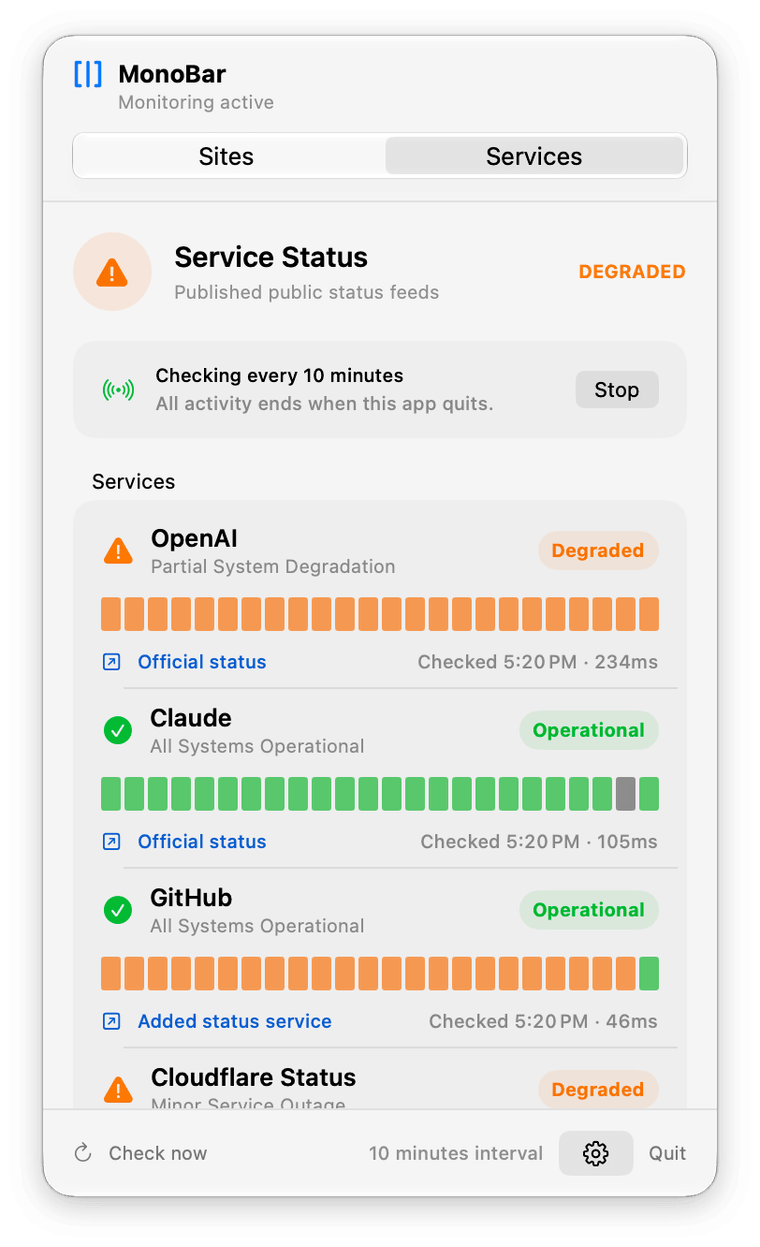
MonoBar can also summarize the published status from OpenAI and Claude — the services many of us lean on every day. Both are included with MonoBar and off by default: turn either one on in Settings and it appears in the menu-bar dashboard.
A companion, not a service.
MonoBar checks from your Mac while the app is running. Quit it, and everything stops. That’s the point — monitoring you can see, start, and stop, instead of a service watching from somewhere else.
“All activity ends when this app quits.” — MonoBar, in the app
Free for your site. Pro for your fleet.
MonoBar
Free, and complete. Monitor one website with full check quality, history, and incidents — plus bundled official Service Status, included. No trial clock, no locked screens.
MonoBar Pro Available now
Up to 25 websites and 10 additional supported status services, with native local status-change notifications — as a fair one-time purchase that supports independent development. No subscription. Buy once, done.
Explore MonoBar Pro →Why MonoBar exists
My own website kept dropping, and every monitoring product wanted an account, a dashboard, and a subscription to tell me one thing. So I built the thing I actually wanted: a quiet, native corner of the menu bar that shows my site’s status when I glance at it — and stays out of the way when I don’t.
— Daniel, maker of MonoBar
Questions, answered plainly.
- Does MonoBar watch my site 24/7?
- No — and that’s deliberate. Checks run from your Mac while MonoBar is running and monitoring is active. It’s a local companion, not an external uptime service with an SLA. It pairs well with one, if you need both.
- What data does MonoBar collect?
- None. Configuration and history are stored locally on your Mac. There’s no account or telemetry, and your monitoring data is not sent to us. MonoBar never asks for your site’s credentials.
- Is it really free?
- Yes. One website with the full experience and bundled official Service Status included. MonoBar Pro lets you monitor up to 25 websites and 10 additional supported status services, with native local status-change notifications. Bought directly, MonoBar Pro is €14 EUR, one-time. In the Mac App Store version, upgrade inside the app at your local store price. Direct and App Store purchases are separate. See the Pro purchase options.
- How do I install and update MonoBar?
- Choose the direct download or the Mac App Store. The direct download is a ZIP file. It can tell you when an update is available, and you install updates yourself. The App Store version is installed and updated through Apple. Keep one installed copy and quit MonoBar before switching versions. See installation and switching guidance.
- What does it run on?
- Apple Silicon Macs running macOS 14 or later. MonoBar is a native Swift app and checks public HTTPS sites.
Now on the Mac App Store.
Download MonoBar free for one website. Upgrade to Pro in the app when you need more.

Prefer a direct download? Download directly →